

NEWS
How to Register for LinkedIn
The APU Alumni Association uses LinkedIn as its new database. By registering for an account on LinkedIn, you can connect with the APU alumni global community! Follow the steps below to create your account and join our global network.
Step 1
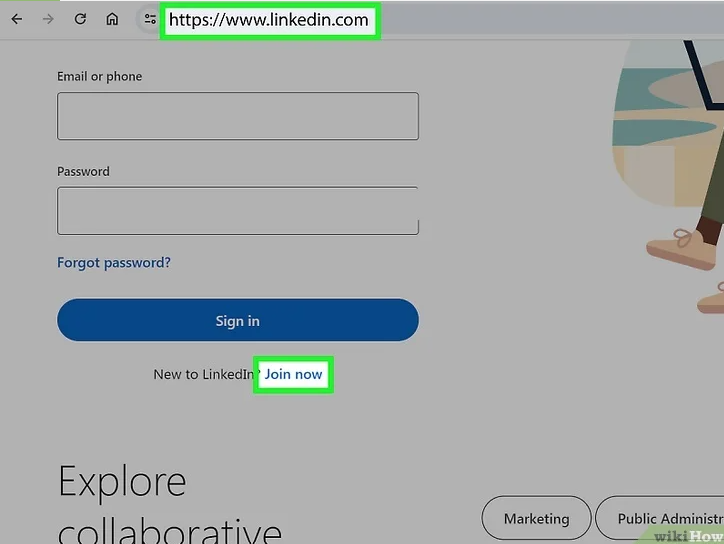
Go to Linkedin.com and click “Join now”
Step 2
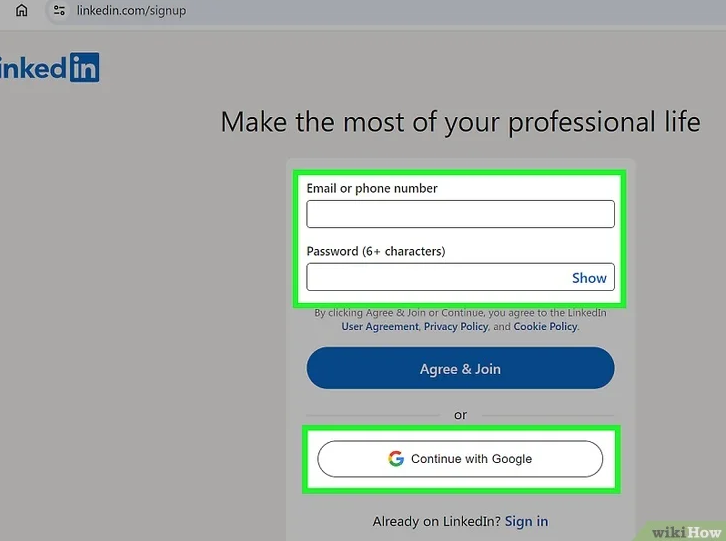
Enter your email, password and “Agree & Join”. Then enter your personal information
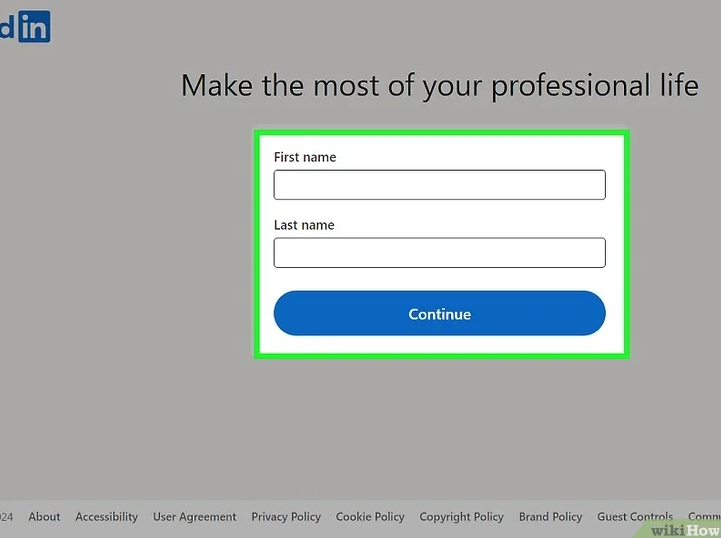
- For Alumni: Enter your most recent job title
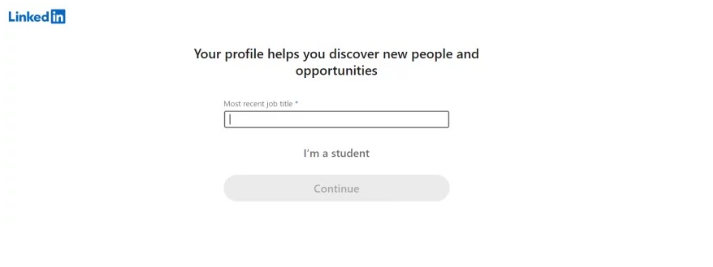
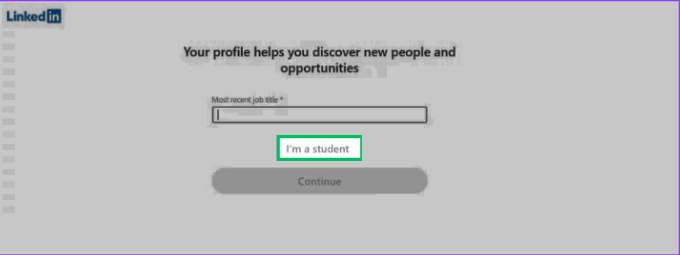
- For Students: Select “I’m a student” and enter “Ritsumeikan Asia Pacific University” as your school information and add us to connect and network with fellow alumni!
Step 3
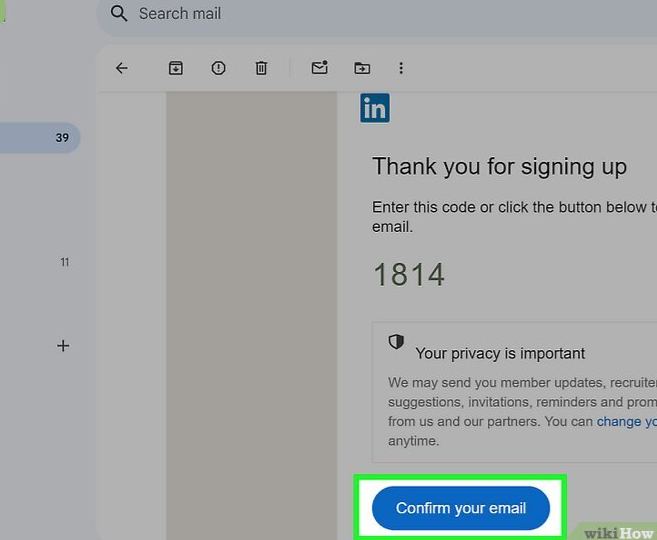
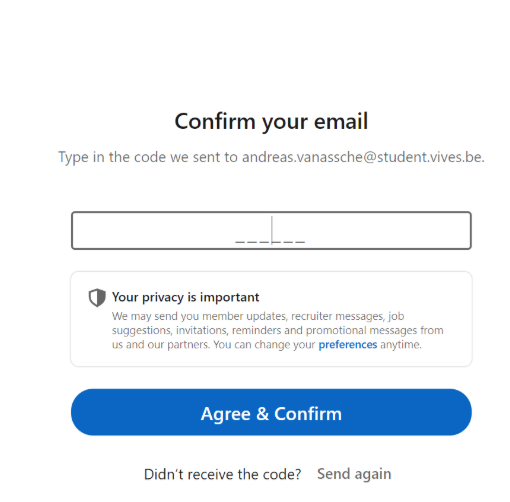
Confirm your email
Step 4
Follow the prompts to complete your registration

Step 5
Customize your profile!
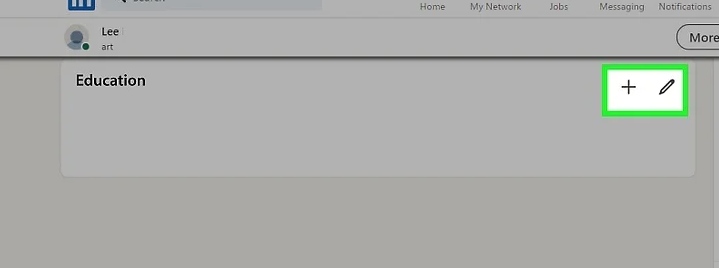
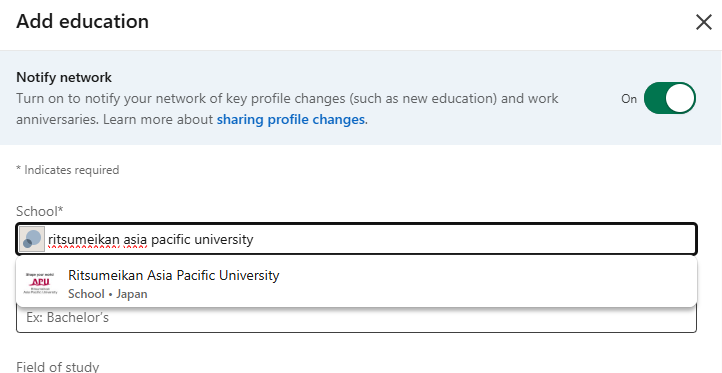
- For Alumni: Select “Edit Profile” then find “Edit Education” and input “Ritsumeikan Asia Pacific University” to add us to your education history and connect and network with fellow alumni!
Step 6
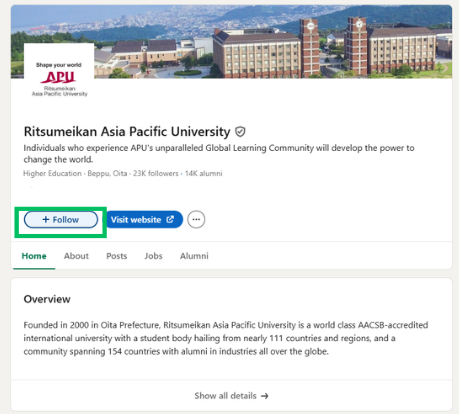
Follow the “Ritsumeikan Asia Pacific University” official page